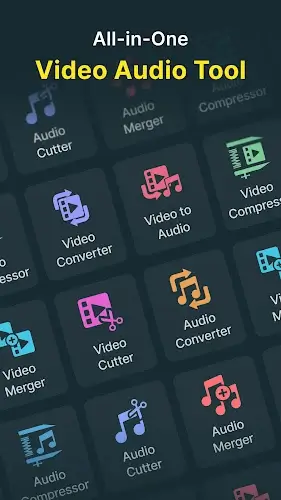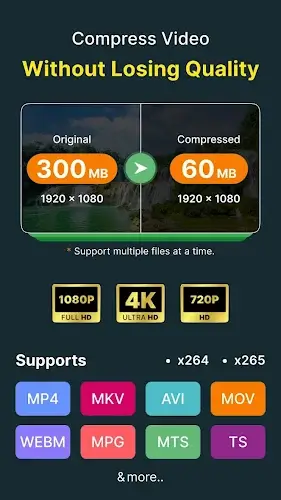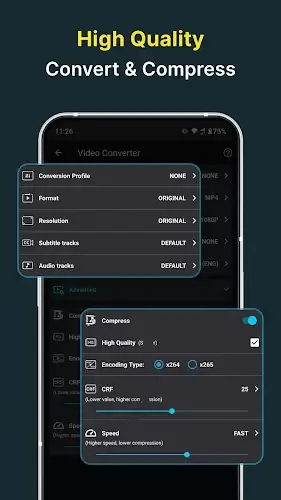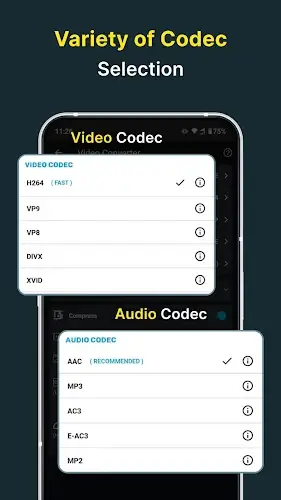

Video Converter, Compressor is a conversion app with a powerful media processing ecosystem, combining top tier compression capabilities with advanced editing tools. It uses modern compression technology with H264, H265 HEVC, and X264 codecs to significantly reduce file size while preserving sharp quality up to 4K resolution. With offline batch conversion support, it helps you save maximum time while effectively solving storage issues and optimizing data for sharing on social media platforms.
Contents
Multi Format Conversion and Professional Audio Extraction
This app is fully compatible with most popular formats today, including MP4, MKV, AVI, FLV, WebM, 3GP, and WMV. You can easily switch between video formats or perform cross conversions such as turning a video file into audio or converting high quality WAV audio into MP3 to optimize storage. With support for various audio formats like AAC, M4A, WAV, FLAC, and AC3, extracting music from videos takes only seconds. Users have full control over technical settings such as resolution, frame rate, and bitrate with automatic synchronization to ensure the highest output quality.
Advanced Video Editing and Creative Personalization Tools
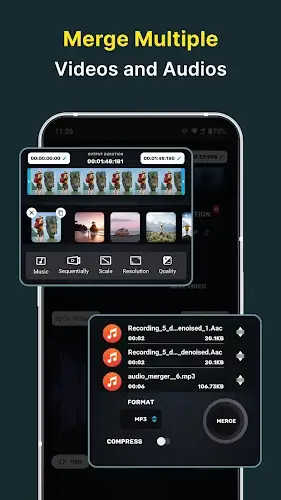
Beyond conversion, the app offers a comprehensive video editing toolkit that allows you to trim, merge, crop, and rotate videos by 90 degrees to create unique perspectives. You can combine multiple clips into a complete video with a logical structure from intro to outro or adjust playback speed to create artistic slow motion effects or speed up intense action scenes. Delivering your message becomes more professional with subtitle features that allow flexible customization of fonts and colors. In particular, the ability to add multiple audio tracks at once along with a built in sound library helps you create content with rich audio depth and a strong personal touch.
Audio Optimization and Smart User Experience
The app also acts as an audio processing expert with intelligent noise reduction filters that significantly improve vocal clarity and background music quality. Additional features such as direct voice recording, advanced audio trimming, and smart frame suggestions simplify content creation for podcasts or short videos. The interface is modern, supports more than 50 languages, and includes flexible light and dark modes, making it suitable for both beginners and advanced editors. All intelligent features are optimized for performance to ensure smooth handling even with large files, turning post production into a fast, seamless, and inspiring experience right on your mobile device.
Conclusion
Video Converter, Compressor represents the perfect combination of technical power and user friendly design. By offering an all in one solution for compression, conversion, and detailed editing, it removes all barriers related to file size and format. Whether you are a content creator optimizing videos for YouTube or simply looking to free up storage without losing the quality of your memories, this is the ideal tool to transform raw files into polished, sharp, and professional results.